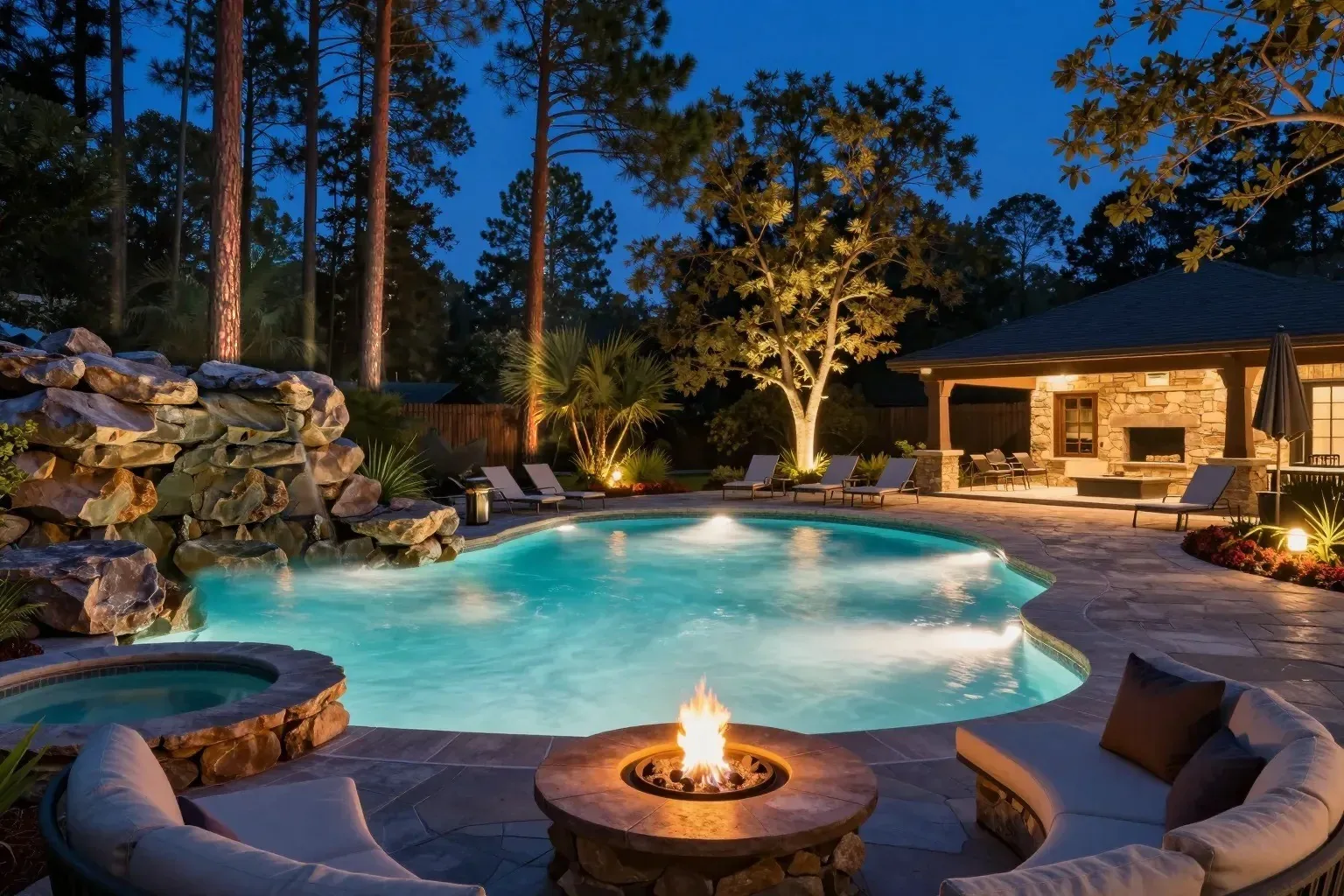
A pool that runs itself, quietly.
Set your variable-speed pump to run slow and quiet overnight and speed up when you need it, on a schedule or with a tap. It works with AquaStar and Fairland variable-speed pumps.

You relax. It handles the rest.Your pump, lights, heater, spa and salt system, all from one app on your phone, at home or away, or the buttons on the controller. Set it once, then stop walking out back to fight a mechanical timer.
Sound familiar?
The timer runs your day.An old mechanical timer does one thing at one time. Changing it means a trip out back, often with a flashlight.
Every switch lives somewhere else.Pump here, lights there, heater on another panel. Without automation, you end up doing its job.
The big-brand quote stung.Automation from the big names came in well past what you wanted to spend on your backyard.
Been quoted thousands for big-brand automation? Control Freak costs a fraction of that. And no monthly fees.
Why owners switch
So you can just enjoy it.

What it does for you
Set your variable-speed pump to run slow and quiet overnight and speed up when you need it, on a schedule or with a tap. It works with AquaStar and Fairland variable-speed pumps.
Switch the water between pool and spa with a tap or on a schedule. Up to eight valves, so spillovers and water features come along too.
Schedule the heater and lights so the spa is warm and glowing when your guests walk out back.
Your salt system only runs while water is moving. If the water stops, the controller turns it off for you.
Energy
Heating, pumping and cleaning are the energy-hungry parts of owning a pool. Control Freak puts all three on your schedule, so they run when you need them and rest when you don't, even when you're away.

Schedules and Themes
Every device runs on a schedule you set, all in one view. When the evening calls for something else, a Theme takes over for a set time, then hands control back.
After dark
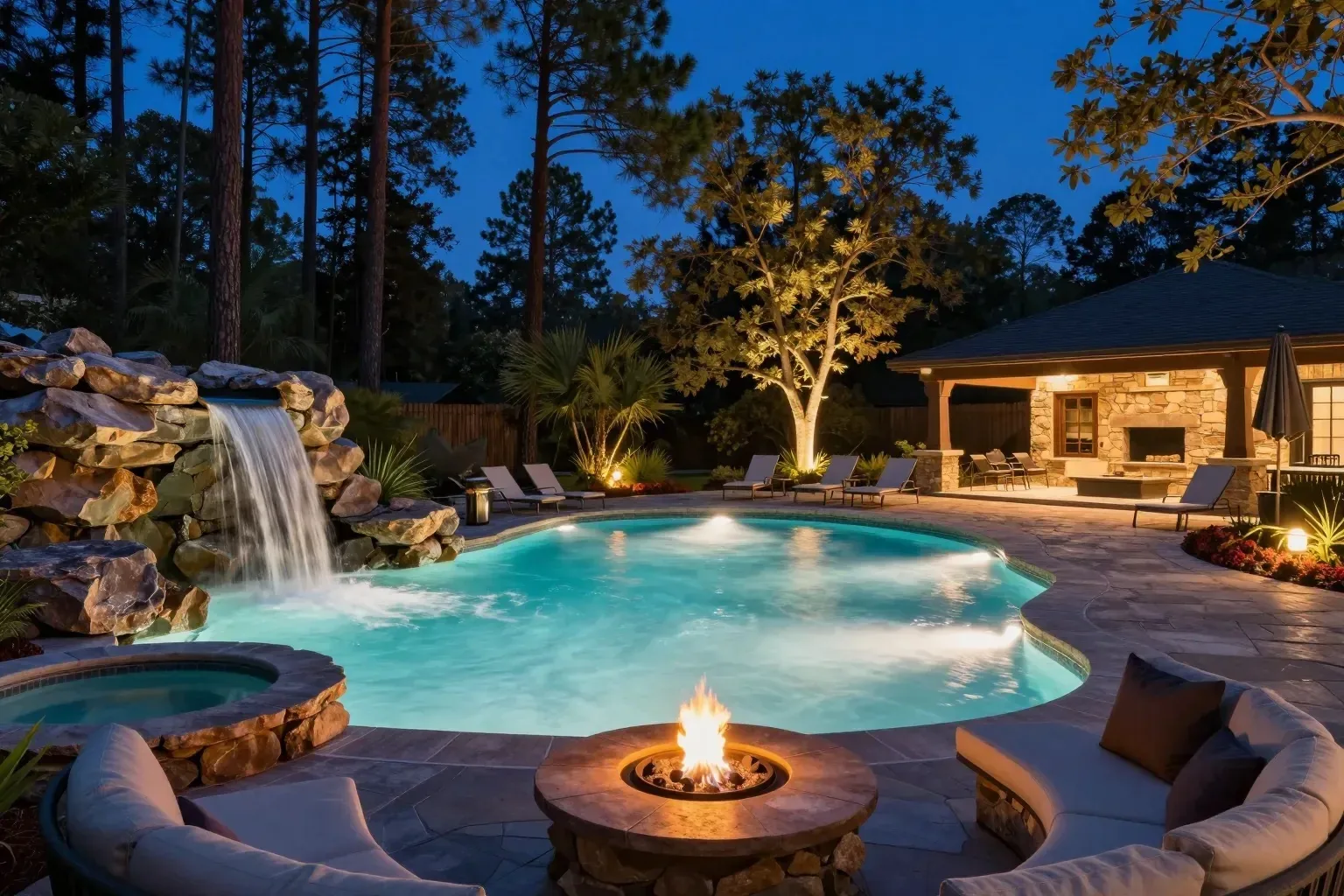
Landscape lights up the pines, the waterfall, and pool and spa lights in their own colors, all from the same app. Try the lights, pick a color or a show. Your installer wires the landscape lighting to one of the controller's spare switches.
Backyard
Pool light shows3
Lights on a scheduleLandscape and pool lights on at 7:30 PM, off at midnight.
At the controller
Five buttons on the controller itself. Give each one what you use most, like the spa or the lights, and switch it right there. Your guests can start the spa without borrowing your phone.
Its own network
Your internet goes down, your pool doesn't. The controller makes its own Wi-Fi network, so your phone connects straight to it. It can join your home Wi-Fi or use a network cable too. Away from home, reach it through our cloud service or your own Home Assistant, whichever you prefer.
Peace of mind

Pick an air temperature. When it gets that cold, the controller runs the equipment you chose and moves water through every line, pool and spa. It helps protect your plumbing on cold nights.
Pool tech on the way? Press two buttons on the controller and everything shuts down, with the app locked until the work is done.
Settings sit behind a code, so a curious guest or a stray tap can't change how your pool runs.
Something look off? Send a diagnostic report to support with one tap, so help starts with the facts.
For tinkerers and pool pros
The app talks to the controller on your network or on its own Wi-Fi. For remote access, use our cloud service or keep it all on your own Home Assistant. Setup videos are on our YouTube channel, Control Freak Pool Tech.
Pumps, lights, salt cell and other line-voltage loads.
Pool, spa and feature valves.
Variable-speed pumps and heat pumps.
Add Control Freak to Home Assistant and run your pool from the watch, voice assistant and scenes your smart home already uses: Apple Watch, Siri and Apple Home, Alexa, and Google Home, all through Home Assistant.
Get a quote
Tell us a little about your pool and the equipment you have now. We'll email you back with the right setup and a price.
FAQ
No. The controller broadcasts its own Wi-Fi network and the app connects to it directly. It can also join your home Wi-Fi or use a network cable.
Yes, and you choose how. Use the app through our cloud service, or connect through your own Home Assistant and keep remote access on your own setup. There's no subscription and no monthly fee either way.
Yes. The controller has five buttons on its faceplate. Give each one a device and switch it right there.
AquaStar and Fairland variable-speed pumps are documented in the user manual. They connect to the controller over RS-485. Not sure about yours? Put the pump model in your quote request.
You can upgrade it instead. The legacy automation conversion kit includes a motherboard, screen, wiring harness and transformer for your existing panel. Mention it in your quote request.
Yes, through Home Assistant. Add Control Freak to Home Assistant with the Home Assistant integration, and your pool shows up in Apple Home, on your Apple Watch, with Siri, Alexa and Google Home, wherever your Home Assistant setup already reaches.
Setup videos are on the YouTube channel Control Freak Pool Tech.
Let the Control Freak handle it. Tell us about your pool and we'll send you a quote.
Get a quote